Wednesday, June 13, 2012

Wednesday Tips/Tutorials

Mats with Flair in Photoshop or PSE
Tired of square or rectangle photo mats?  Use this simple technique to give your photo and journaling mats a little personality.

Begin by opening a new white document in Photoshop or Elements.
Press the letter D on the keyboard to set the Foreground/Background colors to the default – black and white respectively.

Get the Rectangle Tool which shares a space on the toolbar with the Custom Shape tool. Don’t confuse this with the Rectangular Marquee tool near the top of the tool bar.

Check the Options bar to make sure “Create New Shape Layer” or “Shape Layers” is selected, then Shift while you drag out a 3-inch square on your document.

In Elements, tick the Simplify button in the Options bar while the Rectangle tool is still selected.
In Photoshop, choose Layer > Rasterize > Layer to make the shape editable.

Next, get the Liquify filter from the menu bar.
In Elements, choose Filter > Distort > Liquify.
In Photoshop, select Filter > Liquify.

Use the brush size slider to increase or decrease the size of the cursor until it is slightly larger than your square.

Get the Pucker tool from the tool bar on the left.  Click and hold the cursor in the center of your square.  This slightly pulls in the sides of the square. If you like this shape, click OK.

If not, hold the Alt key (Mac: Opt key) and press Cancel to reset the shape.
Get the Bloat tool from the toolbar on the left. Reset the brush size slightly larger than the square.
Click and hold the cursor in the center of your square. This slightly puffs out the sides of the square for a different shape.  If you like the results, click OK.

Use your new shape as a mat for photos, journaling or as a clipping mask for digital papers and photos.

Tuesday, June 12, 2012

Freebies, freebies and MORE freebies!

What a great title for the post, huh?  I got your attention, didn't I?  I have quite a few freebies for you and if you  pick them all up, you will get a full size kit!  I'm hosting the color challenge at STS this month and I love the colors I chose (well I wouldn't pick colors, I didn't like, would I?)  I meant to make just a mini kit but instead I managed to create a full size kit.  I divided the kit into 4 pieces and you have to visit various sites to get them all!

Here's a look at the full size kit called Summer Treats.  It will be in my store at the end of the month after the color challenge is over.
You can find the first piece as an exclusive freebie for my Facebook fans.
You can find the second piece in the color challenge thread at STS.
You can get the third piece when you receive my B2N2 Scraps' next newsletter-due out later this week.
And the last part, the alpha, you can pick up here on my blog.  Have you ever considered becoming a follower of my blog or a follower via networked blogs?  You can sign up on the right side of my blog.

I Am Beautiful is $2 Today Only

"I Am Beautiful" is in the $2 Tuesday bin at STS today. If you don't have this beautiful kit in your stash now is the time to snag it.

Preview is linked to the store.


Here are some layouts from B2N2 Scraps gallery to inspire you. 

Brooke


Kimberly


Kortni

Monday, June 11, 2012

RAK and a Freebie

It's the beginning of a new week and what better way to start the week off than to share a sneak peek with all of you B2N2 fans. Be sure to check back on Thursday for the full reveal.


Do you like what you see? Would you like to win it to add to your stash? Here is your chance. You can leave a comment here on this post and/or at DST in this thread for your chance to win. You must leave your comment before 7 pm CST Wednesday June 13th to be eligible for the drawing.
Their will be 1 winner chosen from all entries using random.org. The winner will be announced Thursday in the new release post here on the blog.

Are you ready to see what B2N2 product will be included in STS $2 Tuesday this week?
Preview is linked to the store.

"I Am Beautiful" Full Preview:


"I Am Beautiful" Paper Preview:


Here is a coordinating border cluster for you.
Preview is linked to download.

Sunday, June 10, 2012

Sunday rewind

Just here to show you my "new" release for this week again-Gentle Summer Breeze.  I combined my BAK pieces and made them into a kit of 18 papers and 38 elements.
Here's a look at some CT inspiration.  Here are two by Daphne.
And one by Shelly.
I made a freebie for you.  Please remember to leave some love!  Robin and luvyurcuz please email me at beckycards {at} sbcglobal.net to get a coupon to my store for leaving some love!

Download HERE.

Saturday, June 9, 2012

Saturday News

Shel of Shel Belle Scraps is hosting a speed scrap this coming Monday in the forum and the chat room at Stuff to Scrap. It will be fun, laid-back hour and you'll have a fabulous layout at the end.
For participating, you'll get a versatile outlined alpha.
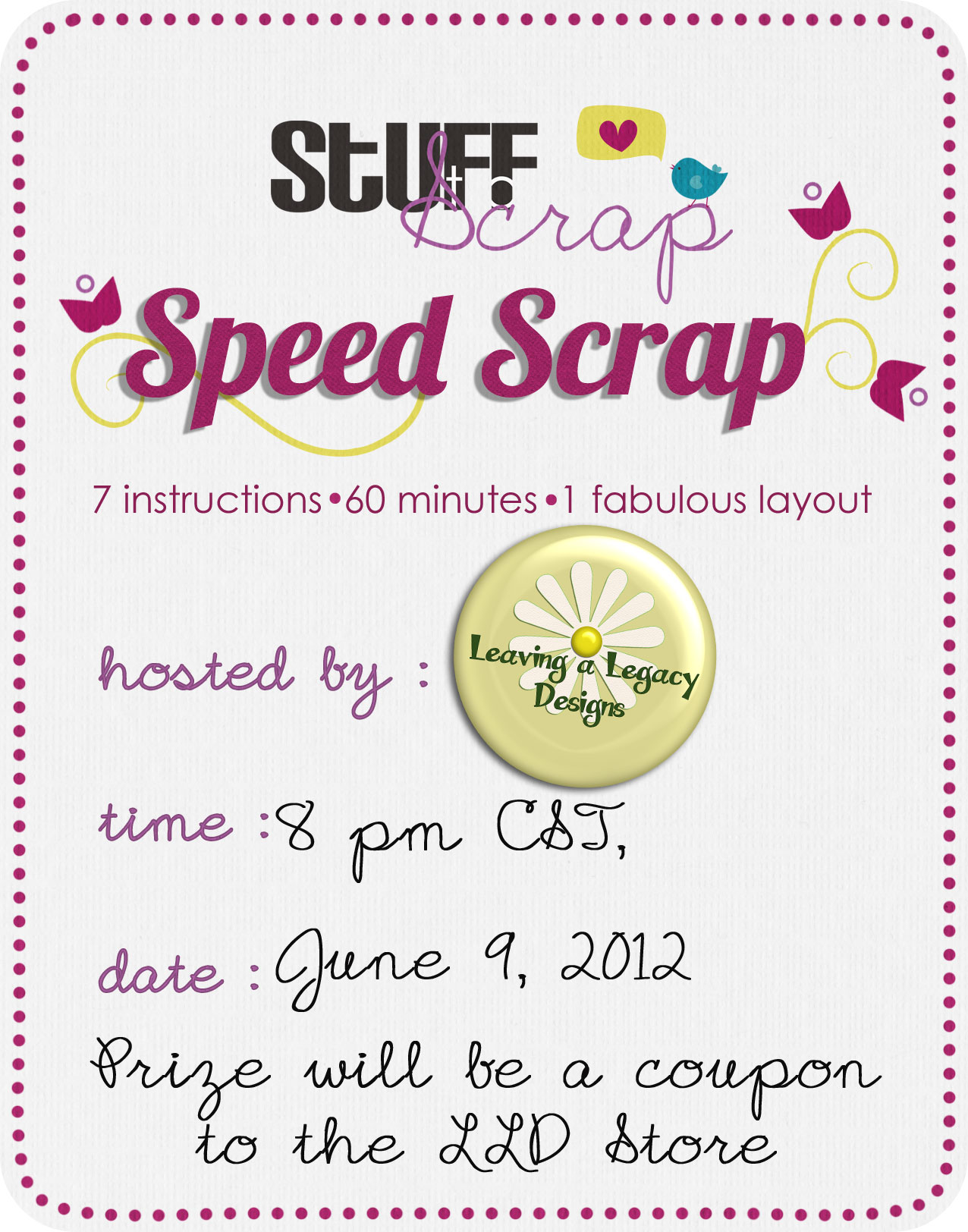
Hope to see you there! Leaving a Legacy Designs is hosting her first speed scrap at Stuff to Scrap this Saturday, June 9 at 8pm CST! Stop by and join in a fun chat and a scrapping good time! Prize will be a coupon to the Leaving a Legacy Designs store! YAY!

Thursday, June 7, 2012

New Release: Gentle Summer Breeze

Well this is kind of a new release!  Before I show you the new release, I want to think those 5 people who left comments on last Sunday's blog post after I commented that I haven't been getting any thank yous for my freebies.  You really made my day to see that comments had been made!  Those people who made comments-tirane93, goog, cheli, lana, and crafty cathy please email me at beckycards {at} sbcglobal.net with your username from the blog and I will email you a coupon to my store.  See, it pays to say thank you!  Who knows when another coupon will be handed out!

I'm releasing Gentle Summer Breeze as a full size kit rather than a paper pack and element pack.  These were my pieces from the May BAK colors that are just combined into a kit.  Take a look at the kit which contains 18 papers and 38 elements.
Take a look at some creative team layouts with this kit. By Thao:
by Shelly:
by me:
I made a freebie for you (don't forget to say thank you!).  Click HERE to download.

Wednesday, June 6, 2012

Wednesday Tips/Tutorials

How to Load a Layer Style file into Photoshop Elements 7.0-10

1. First make sure your folders are not "hidden":
Click on "Start" and choose "My Computer." (Vista users: choose "Computer.") When a window pops up, click on the Tool menu at the top and choose Folder Options.
When the Folder Options dialog box comes up, click on the View tab at the top.

In the "Advanced Settings" section there's a folder called Hidden files and folders. Make sure "Show hidden
files and folders" is selected. Click OK.

2. To add the layer style: Open the folder with the layer style.
Right click on the layer style name and choose "Copy."

3. Click on the Start menu, then click on My Computer, and look for this path:

In Vista and Windows 7 the path is:
Start > Computer > Local Disk (C:) > Program Data > Adobe > Photoshop Elements > 7.0 > Photo Creations > Layer styles

In Windows XP the path is:
Start > Computer > Local Disk (C:) > Documents and Settings > All Users > Application Data > Adobe > Photoshop Elements > 7.0 > Photo Creations > layer styles

Note: For Photoshop Elements 8, substitute 8.0 for 7.0 above.
For Photoshop Elements 9, substitute 9.0 for the 7.0 above.

For Photoshop Elements 10, the path is:
Start > Computer > Local Disk (C:) > ProgramData > Adobe >Photoshop Elements >10.0 >Photo Creations > layer styles

Once you're inside the Layer Styles folder, press Ctrl V to paste the layer style.

Now go to:
C:\ProgramData\Adobe\Photoshop Elements\10.0\Locale\en_us
Locate the file called "Mediadatabase" and rename this file.  You can make it OLDMediadatabase or anything you like.  You are just renaming it so that Photoshop will rebuild the database.  You do not want to delete it in case of the unlikely event that anything goes wrong.  In this case, you can just change the name back to the original name.

4. Open PSE. It will take a while to rebuild the database.
You can find the styles under the layer styles panel under "Show All."


Monday, June 4, 2012

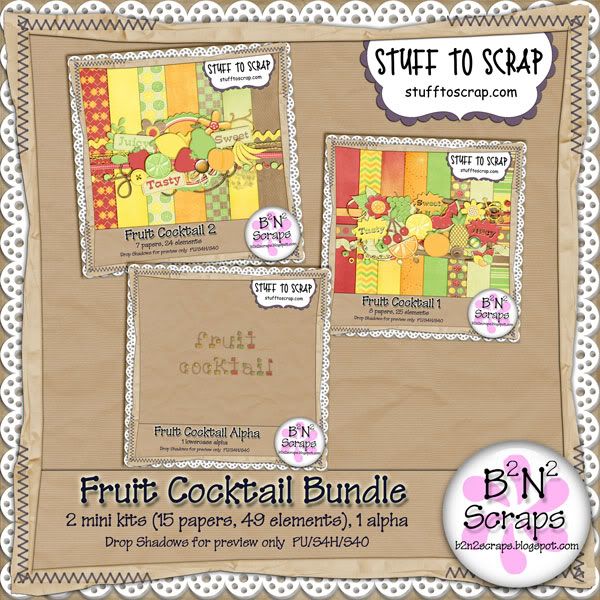
$2 Tuesday - Fruit Cocktail Bundle

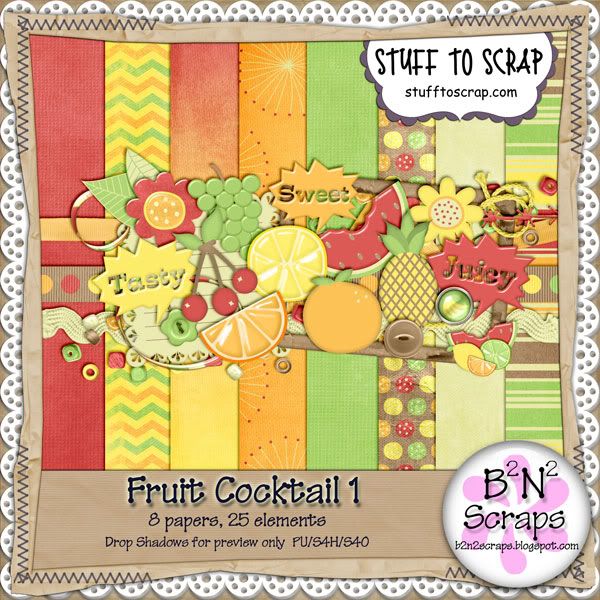
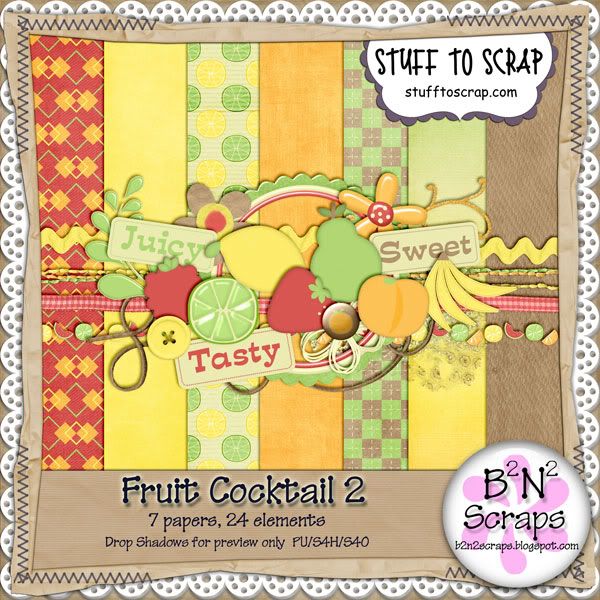
It's time for $2 Tuesdays at Stuff To Scrap and this week it's Fruit Cocktail Bundle by B2N2 Scraps.

(preview linked to store)

Here's a layout I created:


Hope you like it!

Monday Rewind

Becky has a great bundle kit on sale this Tuesday for $2! It's the Fruit Cocktail bundle with 2 cute kits and 1 alpha. Here's a look at the previews of the bundle and the individual kits below. All previews are linked to the store.


And I have a little freebie treat for you as well. Come back tomorrow for some layouts using this kit!


Related Posts Plugin for WordPress, Blogger...