

Saturday, June 23, 2012

Friday, June 22, 2012
New Release: Sassy
I have a new kit out today called Sassy. I fell in love with this color palette with its rich reds and pinks. I made it into a mini at Brownie Scraps a while back and finally made it into a full size kit. This kit is perfect for scrapping your girls' night out photos or pictures of your daughter being sassy. Take a look at Sassy, the worn paper pack and the quick pages.


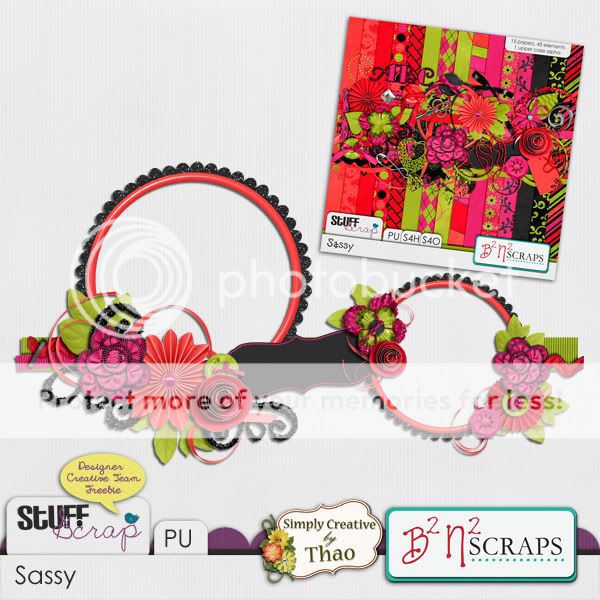
And now a freebie for you made by my CT member Thao.
 You can download HERE.
Take a look at the work my CT has done. Amazing!


And one by me that I just did today for a speed scrap.

Do you want to know how to get this kit and the worn paper pack for free? I'm the featured designer this week at Stuff to Scrap (June 22nd-28th) and this is the participation prize! The worn paper pack is the participation prize for completing the scavenger hunt. Join me for a chat on Sunday, June 24th at 7 pm CST for a chance to win a $5 coupon to my store. Everyone who comes will get a coupon as well!

Thursday, June 21, 2012
Chess
Digi Designs by Nicole has a new and very unique kit out called Chess. This kit celebrates everything chess related! If you have a chess player or fan in your house, then this kit is for you. I have no pictures of my kids playing chess (I think they are a bit too young) but I still managed to use this kit! I made a layout about exploring a cave! Take a look at the kit and my layout.


Wednesday, June 20, 2012
Wednesday Tips/Tutorials

Be Bold with PS and PSE
Some fonts come packaged in sets with options for bold
and italicized text, while others do not. Photoshop and Elements give
you these options even when the font package does not.
When you encounter a font where the drop-down menu for bold remains set at Normal, you’ll know that the font does not have special options. When this happens, highlight the word (or words) you’d like to enhance by clicking at the end of the word and then dragging the cursor over the text.
In Elements, choose the Faux Bold icon from the Options bar. Next to the Faux Bold icon, you’ll find the other special text features: Faux italics, underline and strikethrough. Tick the green checkmark in the Options Bar to confirm the text change.
In Photoshop, select the “Toggle the Character and Paragraph Panels” icon from the Options bar. Click the Character tab of the palette. Faux bold and the other options are located near the bottom in a row of T icons. As with most things Photoshop, you’ll have more options than Elements including superscript, subscript, and all caps here. Tick the checkmark in the Options bar to confirm the text change.
To undo the text effect, simply highlight the word or words and tick the icon again.
When you encounter a font where the drop-down menu for bold remains set at Normal, you’ll know that the font does not have special options. When this happens, highlight the word (or words) you’d like to enhance by clicking at the end of the word and then dragging the cursor over the text.
In Elements, choose the Faux Bold icon from the Options bar. Next to the Faux Bold icon, you’ll find the other special text features: Faux italics, underline and strikethrough. Tick the green checkmark in the Options Bar to confirm the text change.
In Photoshop, select the “Toggle the Character and Paragraph Panels” icon from the Options bar. Click the Character tab of the palette. Faux bold and the other options are located near the bottom in a row of T icons. As with most things Photoshop, you’ll have more options than Elements including superscript, subscript, and all caps here. Tick the checkmark in the Options bar to confirm the text change.
To undo the text effect, simply highlight the word or words and tick the icon again.
Tuesday, June 19, 2012
$2 Tuesday: Old Summertime Fun
"Old Summertime Fun" is
in the $2 Tuesday bin at STS today. If you don't have this fun filled kit in your
stash now is the time to snag it.
Preview is linked
to the store.

Here are some
layouts from B2N2 Scraps gallery to inspire you.
JJ

Kortni

Stephanie

Monday, June 18, 2012
A Sneak Peak, RAK and freebie
It's the beginning of a new week and what better
way to start the week off than to share a sneak peek with all of you B2N2 Scraps' fans.
Be sure to check back on Friday for the full reveal.

Do you like what you see? Would you like to win
it to add to your stash? Here is your chance. You can leave a comment here on
this post and/or at DST in this thread for your chance to win. You must leave your comment before 7
pm CST Wednesday June 20th to be eligible for the drawing.
There will be 1 winner chosen from all entries
using random.org. The winner will be announced Friday in the new release post
here on the blog.
Are you ready to see what B2N2 Scraps' product will be
included in STS $2 Tuesday this week?
Preview is linked to the store.
Here is a coordinating cluster frame for you.
Preview is linked
to download.

Sunday, June 17, 2012
Sunday Review: Oh Hoppy Day
I want you to have another look at my newest kit, Oh Hoppy Day. This kit has 16 papers, 44 elements and a full alpha. Here's a look at the kit and the quick pages. Remember they are 30% off until Wednesday night!


Take a look at more inspiration from my CT.


Steph of Double Trouble Scraps made a freebie for you. Click HERE to download.

Take a look at more inspiration from my CT.


Here's another one from Kandi.
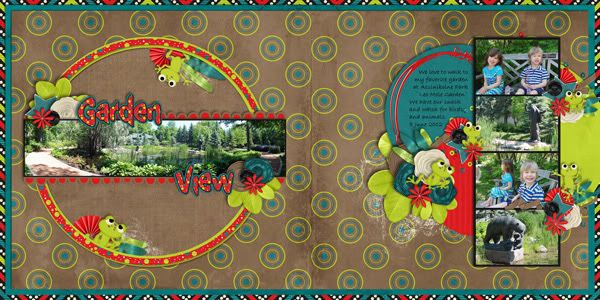
Here's one from me.


Saturday, June 16, 2012
Saturday News
Over at Stuff to Scrap there is a new Free with $5 Purchase...It's a great set of Sprinkled Clip It Up Temps by Designs by Snowlady...

Also, Becky is still having a promo call and looking for someone to post on facebook for her....


Also, Becky is still having a promo call and looking for someone to post on facebook for her....

Friday, June 15, 2012
Meet the Team: Daphne
Today you are going to meet team member Daphne!
.jpg)
Tell us about your “real world”
I've been married for 15 years to a very scrapbooking understanding man - Tony. We have one daughter, Brianna - hence my forum username BriannasScrapper.
How did you get started with scrapping?
A friend of mine kept trying to get me to scrapbook and I saying no because I knew I would have to scrap every picture I have and that would take forever. That is one of my favorite things about digital scrapping. I know longer feel like I have to do everyone.
Tell us something strange or unusual about you.
I have a master's degree in Mathematics and used to be a computer programmer - now I'm a special ed paraprofessional.
Daphne shared her favorite layout using a B2N2 Scraps' product. She actually has 2-one with a retired kit and one with a current kit. First up is a layout using Let's Go Fly a Kite.
 This next one uses Khaki Splash which Daphne says is one of her favorite kits!

.jpg)
Tell us about your “real world”
I've been married for 15 years to a very scrapbooking understanding man - Tony. We have one daughter, Brianna - hence my forum username BriannasScrapper.
How did you get started with scrapping?
A friend of mine kept trying to get me to scrapbook and I saying no because I knew I would have to scrap every picture I have and that would take forever. That is one of my favorite things about digital scrapping. I know longer feel like I have to do everyone.
Tell us something strange or unusual about you.
I have a master's degree in Mathematics and used to be a computer programmer - now I'm a special ed paraprofessional.
Daphne shared her favorite layout using a B2N2 Scraps' product. She actually has 2-one with a retired kit and one with a current kit. First up is a layout using Let's Go Fly a Kite.


Thursday, June 14, 2012
New Release: Oh Hoppy Day and a freebie-Winner announced!
Edited to add the winner! The winner of this kit is....Heidi who commented on my blog! Please contact me at beckycards{at}sbcglobal.net to claim your prize!
I have a new kit out today that I just love. I loved working with these colors and these cute little frogs. This kit may be slightly familiar. I made a mini kit and an alpha for a Brownie bake sale about a year ago. I decided to make it into a full size kit. Oh Hoppy Day can be used to scrap any photo especially those messy outdoors photos! Take a look at the kit and quick pages that will be 30% off for one week only.
Take a look at what my amazing CT did with this kit. I am in awe of their layouts.


 And here's a layout from me that I made for the scraplift challenge at STS this month.
 Brooke has a freebie on her blog for you.


Here's a freebie for you made by my CT member Thao. You can download HERE.

I have a new kit out today that I just love. I loved working with these colors and these cute little frogs. This kit may be slightly familiar. I made a mini kit and an alpha for a Brownie bake sale about a year ago. I decided to make it into a full size kit. Oh Hoppy Day can be used to scrap any photo especially those messy outdoors photos! Take a look at the kit and quick pages that will be 30% off for one week only.
Take a look at what my amazing CT did with this kit. I am in awe of their layouts.


Kandi also has a freebie for you.

Subscribe to:
Posts (Atom)
